Multi-Port Charger Power Sharing: What OEM Buyers Should Check
A charger’s headline wattage does not describe every port combination. Learn how to compare single-port output, shared power and sample behavior before placing an OEM order.
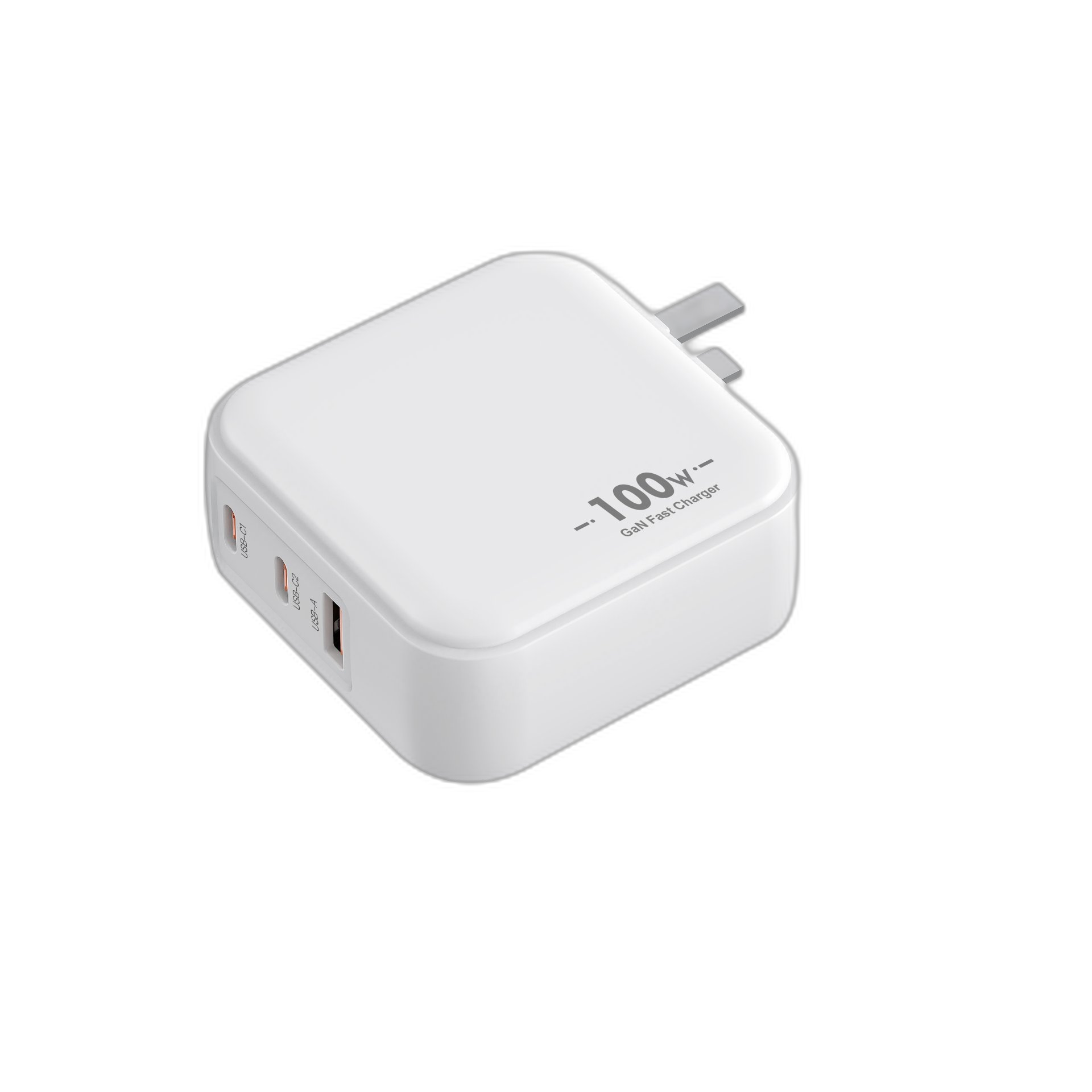
A multi-port charger may work well with one device but behave differently when another cable is connected. For procurement teams, the useful question is not only how many watts appear on the label. It is how much power is available in the combinations customers will actually use.
Separate Single-Port Output from Shared Output
Ask for three distinct specifications: the maximum output of each port used alone, the total available output when several ports are occupied, and the allocation between those ports. Do not add individual port maximums together unless the manufacturer explicitly specifies that they can be delivered at the same time.
A Concrete Example from the Mini Square Catalog
The listed XFC30W1C is a single USB-C model with up to 30W output. The XFC30WAC adds USB-A alongside USB-C. Its catalog specifies up to 30W on USB-C alone, but A+C operation is listed as 5V/3.6A. Multiplying voltage by current gives 18W combined, not 30W for each connected device.
This distinction affects the sourcing decision: a compact dual-port model can suit a customer who values two charging connections, but it should not be marketed as providing its maximum single-port power to both devices simultaneously. These figures describe the current catalog configuration; confirm the exact sample and production specification in the quotation.
Build the Test Around a Customer Scenario
Write down the intended combination before choosing a platform: one phone, two phones, or a laptop and phone. Record the power each device needs for the intended workload. For a laptop bundle, evaluate whether the power available with the second port occupied is sufficient for that laptop during use.
Request an allocation table for each relevant port combination, including which physical port receives which output. A total wattage alone does not establish that the allocation is suitable for the customer's devices.
Check Connection Changes During Sample Evaluation
During sample evaluation, connect one device first, add the second, then reverse the connection order. Record any charging interruption, change in the negotiated output and the time taken to settle. Repeat after disconnecting a device. Agree acceptable behavior with the supplier instead of assuming every multi-port platform handles the transition identically.
Use the actual cables intended for the package and representative target devices. Record the device battery level, workload, cable, sample model and firmware where available so results can be reproduced. A phone's displayed charging message is useful feedback, but it does not replace a measured output record.
Put the Allocation in the Purchase Specification
Ask the supplier to document single-port output, simultaneous-port allocation, supported charging modes in each combination, included cable details and the sample configuration. Keep the approved table with the product artwork and instructions so retail claims match the tested product.
If a later component or firmware change affects power allocation, review the sample again before accepting the change for production. This is a practical purchasing control, not a claim that every model requires a new certification for every change.
Choose the Model Around the Use Case
For an OEM inquiry, send your target devices, port combination, destination market, plug type and expected quantity. Compare the XFC30W1C and XFC30WAC specification pages for the example above, or use the complete product catalog to shortlist higher-power options. Ask for the final allocation table before approving the sample.
Product References
XFC30W1C specifications · XFC30WAC specifications · Complete model catalog